-
Sep 9, 2012, 7:39 am448 pts OS X Daily
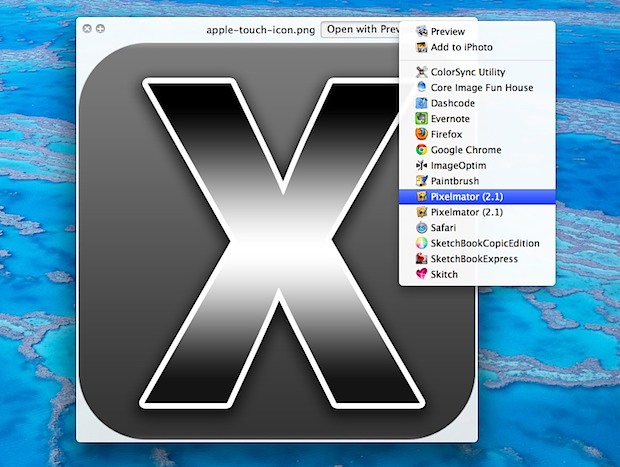 Quick Look is one of the most handy features in Mac OS X to quickly get a preview of files, but you can also use it as an application launcher of sorts to quickly send a file to a compatible app. Similar to the “Open With” menu that can be summoned by right-clicking on a file within the Finder, but Quick Look…
Trending Today on MacHash











MacHash is your real-time Apple news aggregator, delivering the latest headlines on Apple, Mac, iPhone, iPad, and iOS from top sources across the web.
As a powerful content discovery platform, MacHash continuously curates breaking news, product announcements, software updates, reviews, and industry insights related to Apple Inc. and its ecosystem.
MacHash helps you stay informed on everything from macOS and iOS developments to Apple Watch, AirPods, and the latest in tech and app innovation.
Access MacHash from your desktop or mobile device to explore, follow, and share the most trusted Apple news all in one place.