-
Jul 25, 2015, 2:46 pm1.6k ptsTrending iDownload Blog
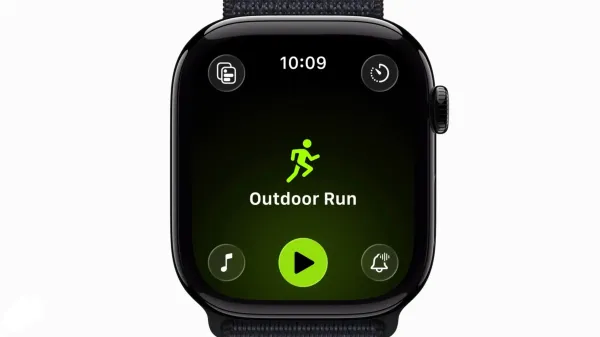
 It’s relatively easy to find your iPhone or iPad’s UDID, because you can do so directly from the summary page in iTunes. But what about the Apple Watch? Since the Apple Watch has no summary page in iTunes, you’ll need to use Xcode in order to find the Apple Watch UDID. In this post, we’ll show you how to do…
Trending Today on MacHash








MacHash is your real-time Apple news aggregator, delivering the latest headlines on Apple, Mac, iPhone, iPad, and iOS from top sources across the web.
As a powerful content discovery platform, MacHash continuously curates breaking news, product announcements, software updates, reviews, and industry insights related to Apple Inc. and its ecosystem.
MacHash helps you stay informed on everything from macOS and iOS developments to Apple Watch, AirPods, and the latest in tech and app innovation.
Access MacHash from your desktop or mobile device to explore, follow, and share the most trusted Apple news all in one place.