-
May 4, 2021, 6:26 pm608 pts MacRumors
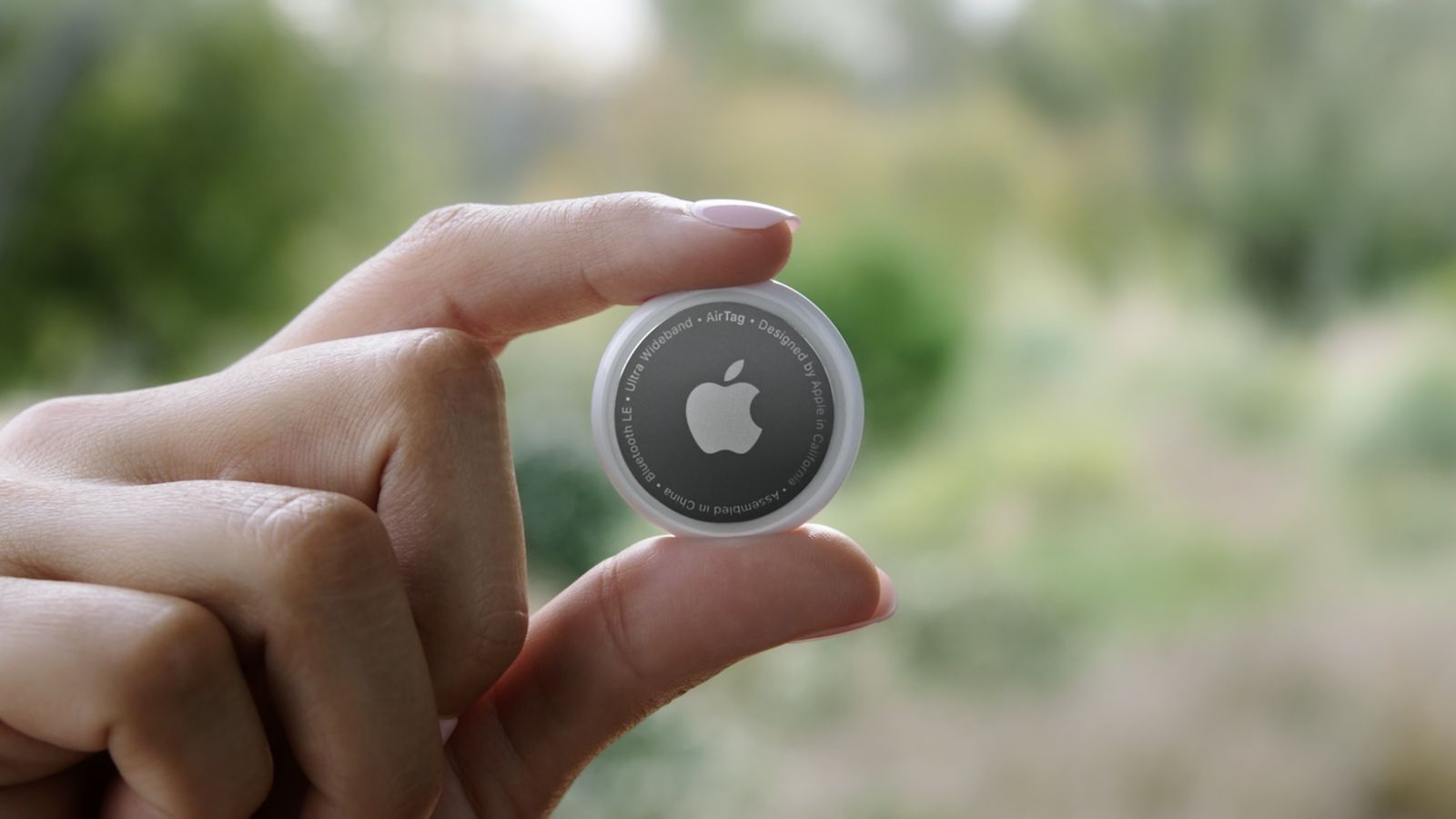 When you set up an AirTag, it's automatically associated with your Apple ID, which means it's linked to your Apple ID and can't be used by someone else unless you reset it. Resetting can be as simple as removing an AirTag from your Apple ID, by following these steps: Open the Find My app. Tap on the AirTag…
Trending Today on MacHash



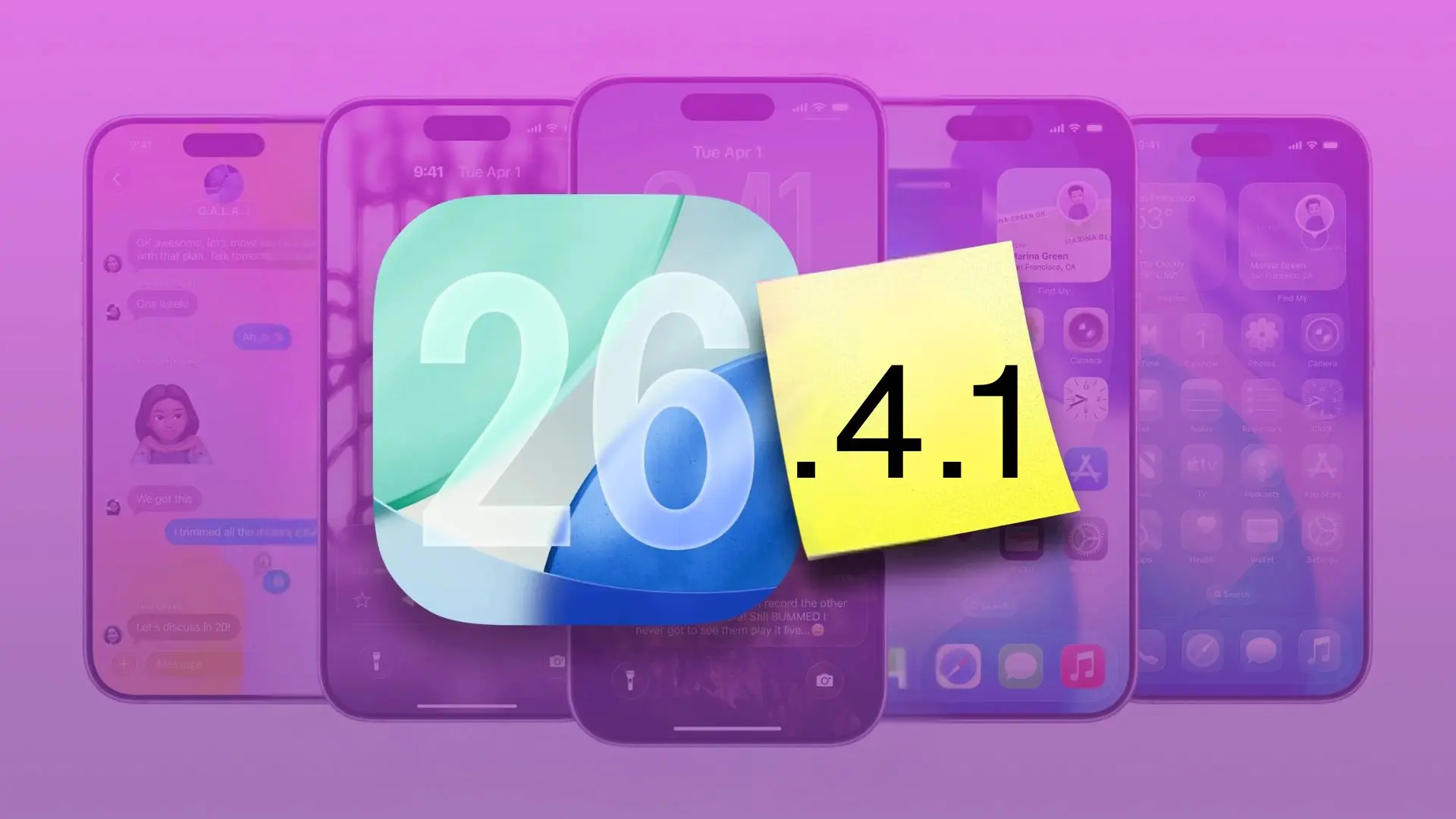

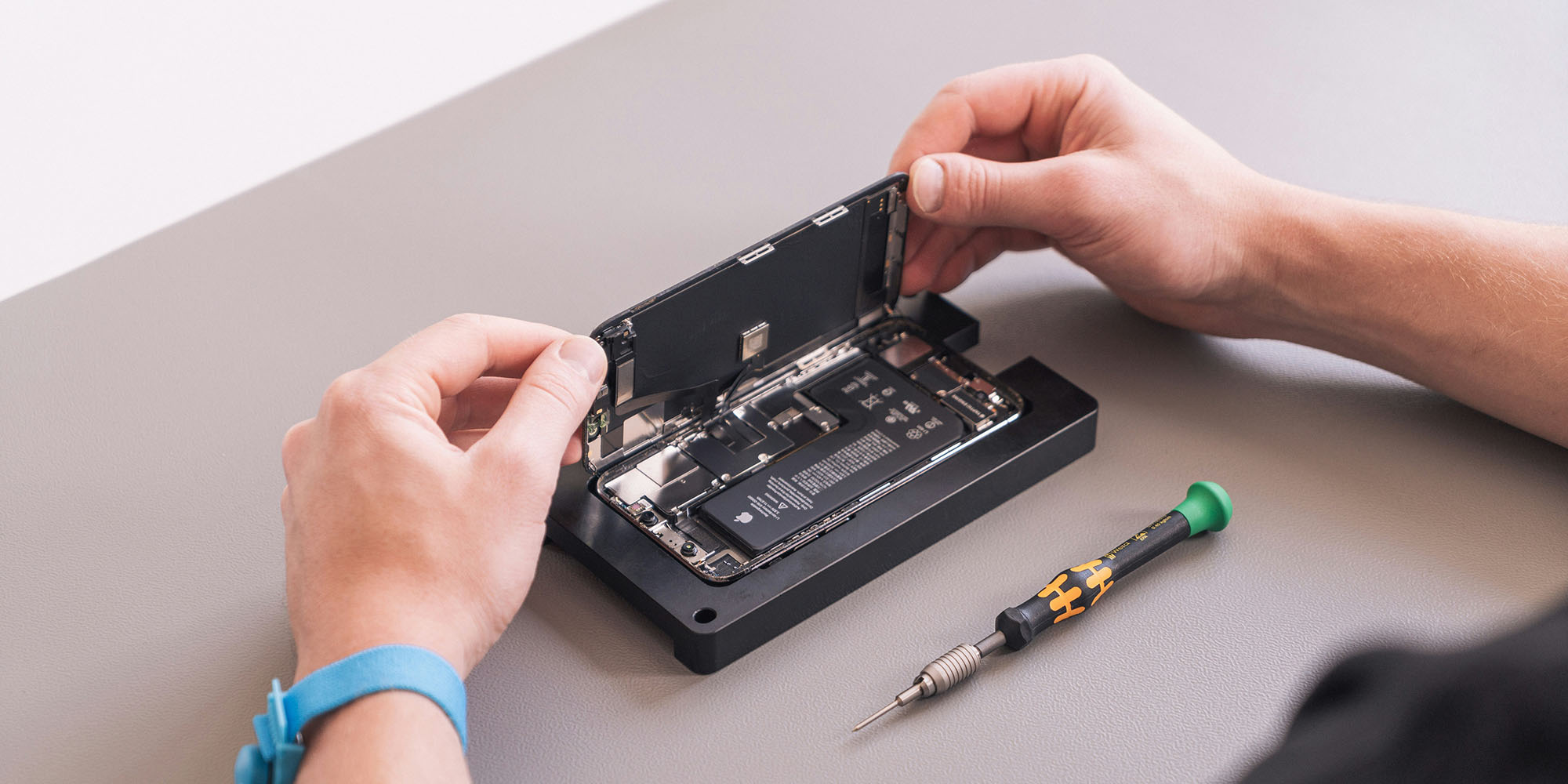

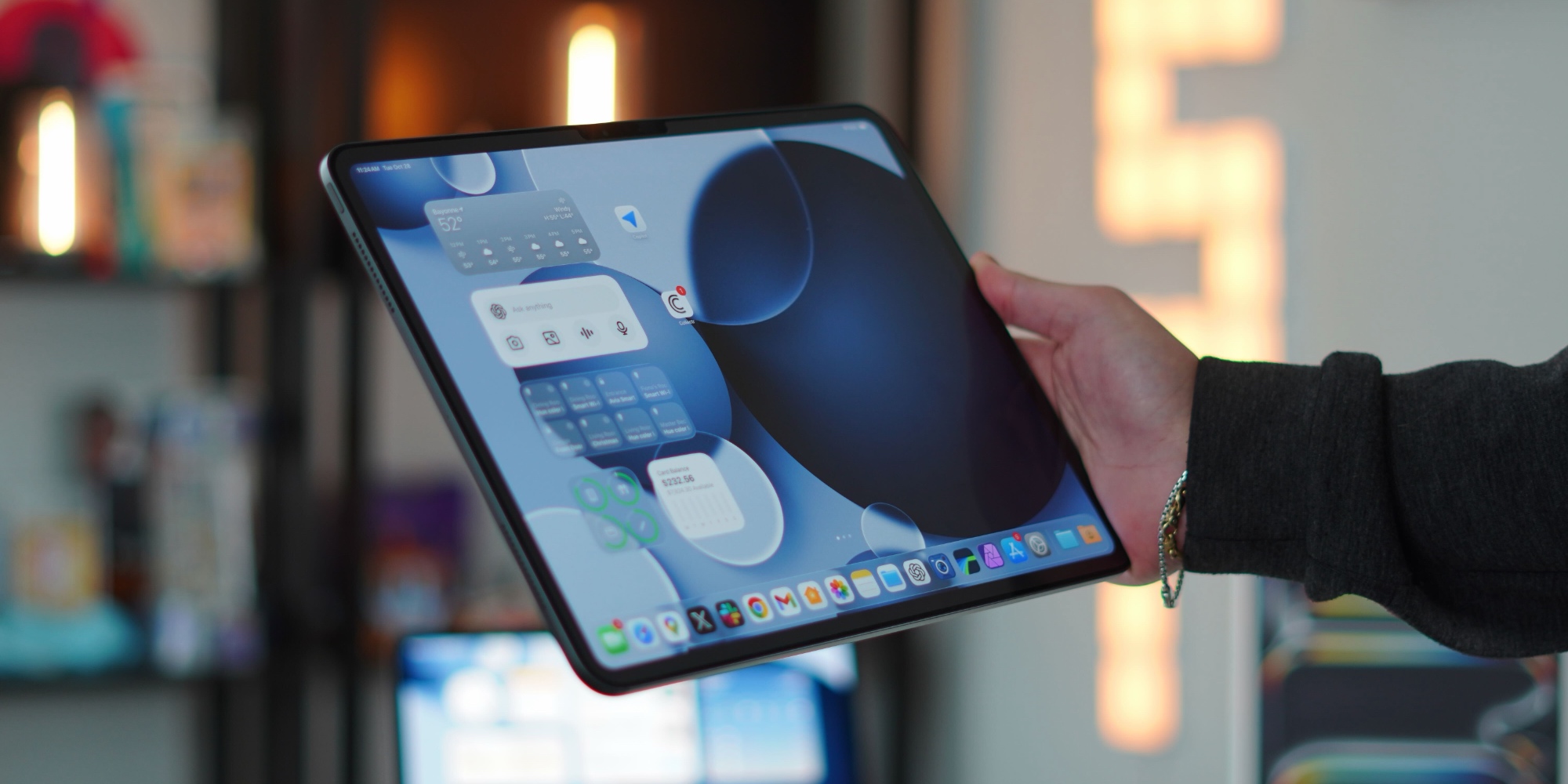
MacHash is your real-time Apple news aggregator, delivering the latest headlines on Apple, Mac, iPhone, iPad, and iOS from top sources across the web.
As a powerful content discovery platform, MacHash continuously curates breaking news, product announcements, software updates, reviews, and industry insights related to Apple Inc. and its ecosystem.
MacHash helps you stay informed on everything from macOS and iOS developments to Apple Watch, AirPods, and the latest in tech and app innovation.
Access MacHash from your desktop or mobile device to explore, follow, and share the most trusted Apple news all in one place.