-
Aug 18, 2025, 9:18 am3.3k ptsInteresting Special Content
Mac is better than Windows PC for video editing. Yes, it's true, but many will disagree. Brand loyalty means nothing here, as the question is more often about the workflow, software preferences, and budget.
If you've ever asked yourself whether to go Mac or PC for video editing, this article will delve into the main differences of these OS's.
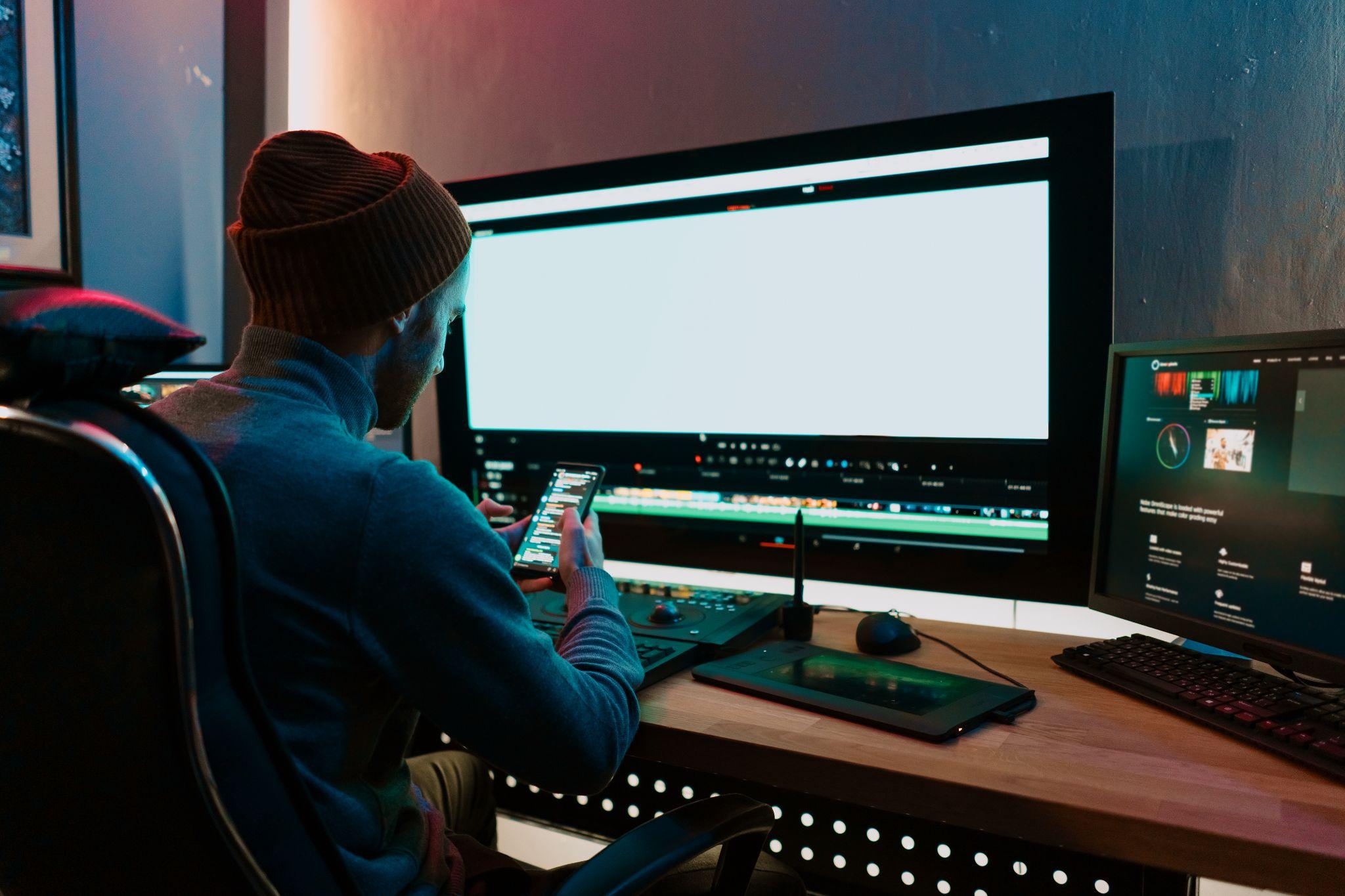
Core Differences Between Operating Systems
Computer replacement factors (if you switch from one to another) may vary from person to person. The short answer is what matter most to you: flexibility or stability. But let's dive a bit deeper and specify each.
Windows
One of the most noticeable distinctions between the two platforms is the way they handle hardware. On Windows PCs, you can start with a basic setup and upgrade individual components (processor, graphics card, RAM, SSDs, or HDDs). The more computational power your video projects demand, the better setup you can pack.
This very much attracts editors who like to make their machines for specific needs: handling massive 8K timelines, working with complex effects, or running multiple rendering operations. The ability to reassemble or customize your PC means you can control the cost/needs parameter and balance the exact performance profile you want.
macOS
Macs take a different approach. Apple delivers complete, tightly integrated systems where the hardware and macOS are designed to work together from the start. This "ready out of the box" philosophy means you don't have to worry about compatibility, drivers, or part selection.
For many editors, this is more than just convenience. The system is already optimized for stability, and you can get straight to editing. This is why the best Mac for video editing is often one that balances raw performance with Apple's proven reliability, making it a popular pick among professionals who don't want to stress out about hardware.
macOS also has a reputation for strong media handling and system-wide color management, which can be reassuring if your work demands accurate previews across devices. Windows, meanwhile, offers more freedom in configuring displays, peripherals, and specialized hardware: useful for a multi-monitor setup or high-speed external drives in a non-standard arrangement.
Whether you choose a Mac or PC for video editing, these differences in hardware can have a direct impact on how smooth your workflow feels day to day.
Different Video Editing Programs Work Differently
The OS choice directly influences the software available to you. Some video editing tools like Premiere Pro or DaVinci Resolve are cross-platform and offer identical features. The only difference is in some shortcuts and performance nuances depending on certain OS spec.
However, there are some well-known ones tied only to one OS: VSDC for Windows only and Apple's Final Cut Pro or iMovie. They may be fast, have sleek interface - still, limited to either of the systems.
And most often, on the Windows side, people often look for, for example, iMovie for PC, because they like the app but want the same stability and better features when switching to a different OS. That's even more applicable to novice video editors, who want to learn the basics without sacrificing cool effects and advanced tools.
It's also worth noting that software can behave differently on each system, even when it's technically the same. Factors like hardware acceleration, GPU optimization, and background process handling vary between macOS and Windows.
For example, editing videos on Mac with FCP might feel faster and more fluid thanks to its optimization for Apple Silicon, whereas a high-end PC could outperform in raw rendering speed for Premiere.
User experience also matters a lot.
macOS users may benefit from features like AirDrop and seamless integration with other Apple devices, creating a streamlined workflow. You can shoot videos on iPhone and quickly transfer to MacBook. On the other hand, Windows users can leverage a broader range of hardware configurations, offering flexibility for those who need custom setups or specific performance upgrades.
Final Takeaway
Both PCs and Macs can handle serious video editing, but they cater to different priorities. The better choice depends less on the logo on the case and more on how you want to work; and which editing tools feel right in your hands. Finding the best Mac for video editing or building the perfect PC setup comes down to matching the system to yourself.









MacHash is your real-time Apple news aggregator, delivering the latest headlines on Apple, Mac, iPhone, iPad, and iOS from top sources across the web.
As a powerful content discovery platform, MacHash continuously curates breaking news, product announcements, software updates, reviews, and industry insights related to Apple Inc. and its ecosystem.
MacHash helps you stay informed on everything from macOS and iOS developments to Apple Watch, AirPods, and the latest in tech and app innovation.
Access MacHash from your desktop or mobile device to explore, follow, and share the most trusted Apple news all in one place.