-
Jan 6, 2026, 8:19 am1.4k pts Special Content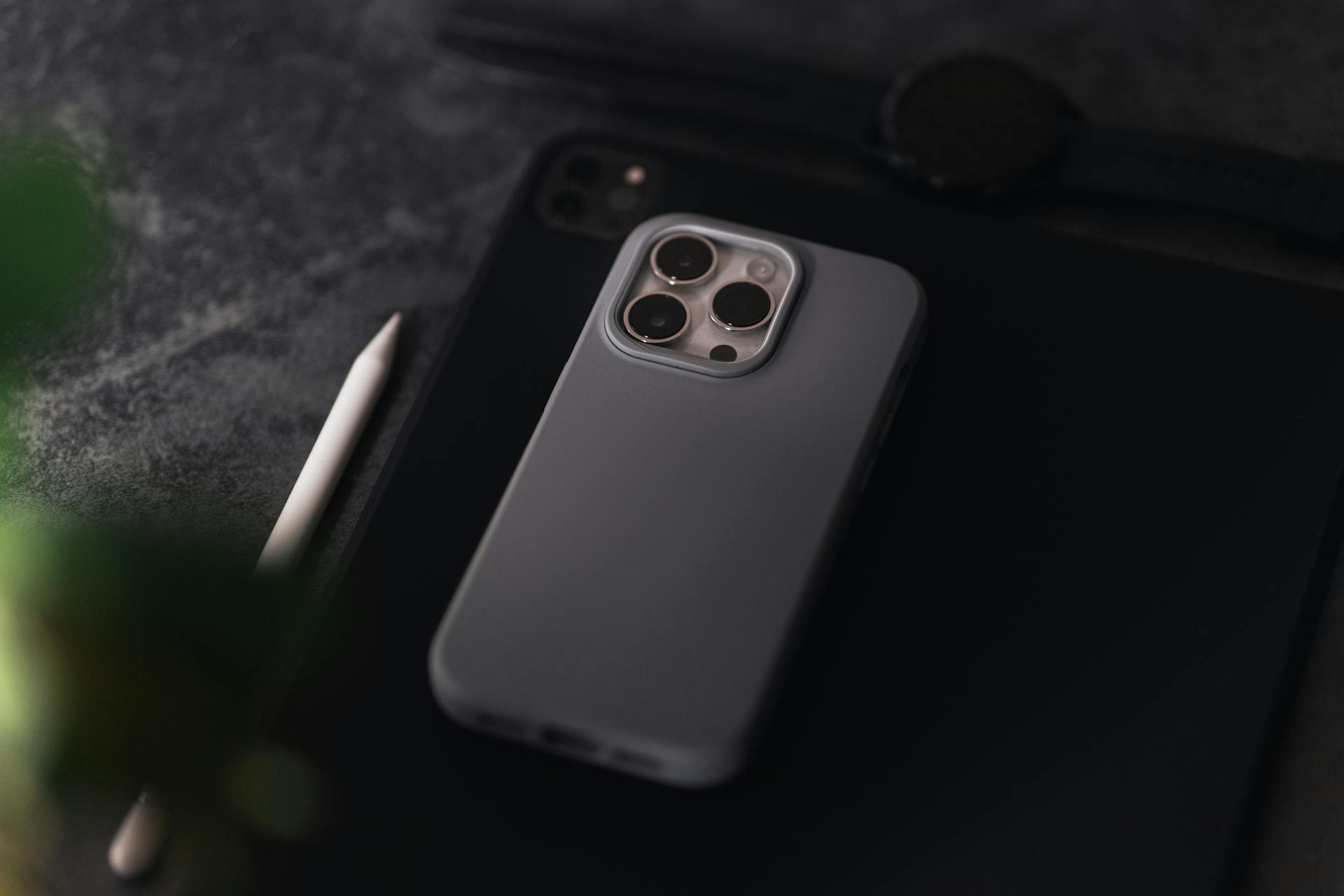
Most people use their iPhone the same way every day. Sending messages to friends, scrolling through social media, or maybe playing a game. Everything about these activities is familiar until you start digging a bit deeper. iOS devices come with numerous features that aren't located in plain sight but can have an impact on whatever you're doing on your phone. Once you find them, the time you spend on your phone can become faster, quieter, and more personal, all without needing a single extra app. With that said, let's look at some of the most interesting hidden iOS features you might not know about.
Gaming Tweaks That Improve Focus and Performance
The sole purpose of mobile games is to help you take a break from everyday tasks and let you unwind. This becomes increasingly difficult when you're bombarded with messages, work emails, and notifications from other apps. So, what can you do to ensure your gaming sessions are about gaming only? The Focus feature on iOS can be used to create a profile specifically designed for gaming. This tool allows you to block messages and notifications entirely, unless they're coming from your gaming app.
For even more focus, you can try the Guided Access feature that allows you to lock your phone into a single app. For example, if you looked at a list of the best slots sites and found a platform to play on, you don't want accidental swipes or taps to break your focus. You can use the Guided Access tool to lock the app in place and let nothing break your gambling session.
Another subtle improvement comes from the Background App Refresh control. If you leave this setting on everything, your phone may update silently while you're playing. However, if you turn it off or set it to essential apps only, you'll reduce heat buildup and ensure you get maximum performance while gaming.
Text Editing and Typing Controls Most People Never Use
Regardless of what you're doing on your iOS, some typing is involved. Doing it in the usual way is fine when performing a quick Google search or sending a quick message. However, if you're editing a text document or writing a long email, typing can be made quicker and easier. All you need to do is hold the space bar, and you'll turn your keyboard into a trackpad.
There's also a text selection control that's often overlooked. When you place the cursor, you can use two fingers to highlight text quickly and in a familiar, desktop-like way.
Another feature that deserves mention is text replacement. Although it's usually used for emojis, this tool can also help with phrases you often type. Think addresses, email addresses, and repeated responses that can easily be shortened into just a few characters. Over time, this makes daily communication much easier and repeated actions such as signing up for a website or filling out a form.
Last but not least, iOS allows you to copy text, screenshots, or even videos when you pause them. Retyping usually involves going between two screens and memorizing what to write. With this feature, all you need to do is select the text you need and copy it the same way you'd copy it from a message or a document file.
Smarter Photo Management Without Third-Party Apps
We've all been there. Managing photos is easy when you first get your phone, and there are only a few dozens of images on the device. Over time, photos and screenshots pile up, and keeping track becomes increasingly difficult. Apple tries to help as much as possible with handy features in its Photos app.
First of all, it assists by allowing you to keep your albums consistent with simple edit copying. When you edit an image, you can paste the same edits to any other image without doing all the work again. This can be extremely helpful when you take a bunch of photos in the same conditions, or you have the go-to edits that you apply to every image.
Also, there's the smart search feature iOS devices use to recognize objects or text inside images. You can type something like "car" or "beach", and your phone will pull all the images with those things in them. This feature works way better than most people assume and can be a real time saver when going through large albums.
There's another handy feature you may be aware of but rarely use. Hidden albums are albums only you can access using Face ID or Touch ID features, the same way you unlock your phone. It's a great option for extra privacy but it can also be used for decluttering your library without actually deleting anything.
Automation That Runs in the Background
Some small automation features on iOS are there to make your life easier, but only some people use them. This is mostly because they look too complex or difficult to set up. However, in reality, they require very little effort, but can end up being real time-savers.
For example, you can set up automated actions such as having Apple Music open automatically when you connect your headphones or having mobile data turned off when you connect to your home Wi-Fi. These small automations remove little steps you didn't even realize you were taking and are extremely easy to get used to.
There are also quotations for remainters based on different contexts. For instance, your iOS device can remind you of something the next time you message a friend or open a specific app. Think of it like setting an alarm, but instead of interrupting your day at a random moment, it appears when it's relevant. This makes the reminder more effective and less likely to be ignored.
Lastly, you can use app-specific automations that can help you preserve your battery life. You can set up brightness, background activity, or notifications when a game or another app is active.
Getting Extra Privacy and Control
iOS already offers enough privacy and control, but you can get a little extra of both when you start paying more attention to some settings that often get ignored. For example, chances are you have quite a few apps on your device that have the permission to track your exact location. Not all of them really need this information, and you can set it to an approximate location instead. This way, you reduce data without breaking functionality.
Similarly, some apps may require the use of your camera and microphone. When they do so, small coloured dots will appear at the top of the screen. If you tap the control center, the device will let you know exactly which app triggered this. If it's something that you don't actually need, you can quickly remove the permission.
Another setting worth exploring is the one that allows you to change which apps can track your activity across other apps or the web. It exists both globally and per app, giving you more control than a simple on/off switch. If you adjust it the way you want, you can reduce the number of targeted ads you receive on your device.
It's also worth mentioning that password managers are popular among iOS users, but everything you need is already on your device. iOS does a great job of recommending strong passwords and storing them securely, without any additional tools. Your device will even let you know if your password appeared in a recent breach and remind you to change it.
Final Thoughts
Whether you were already aware of some of these functionalities but you just never used them, or they're entirely new to you, they're worth exploring if you want to get more from your device. Even if you employ just a few of them, you'll notice a huge change in how you interact with your device and use it in your everyday life.










MacHash is your real-time Apple news aggregator, delivering the latest headlines on Apple, Mac, iPhone, iPad, and iOS from top sources across the web.
As a powerful content discovery platform, MacHash continuously curates breaking news, product announcements, software updates, reviews, and industry insights related to Apple Inc. and its ecosystem.
MacHash helps you stay informed on everything from macOS and iOS developments to Apple Watch, AirPods, and the latest in tech and app innovation.
Access MacHash from your desktop or mobile device to explore, follow, and share the most trusted Apple news all in one place.