-
Mar 27, 2026, 1:33 pm45 pts Special Content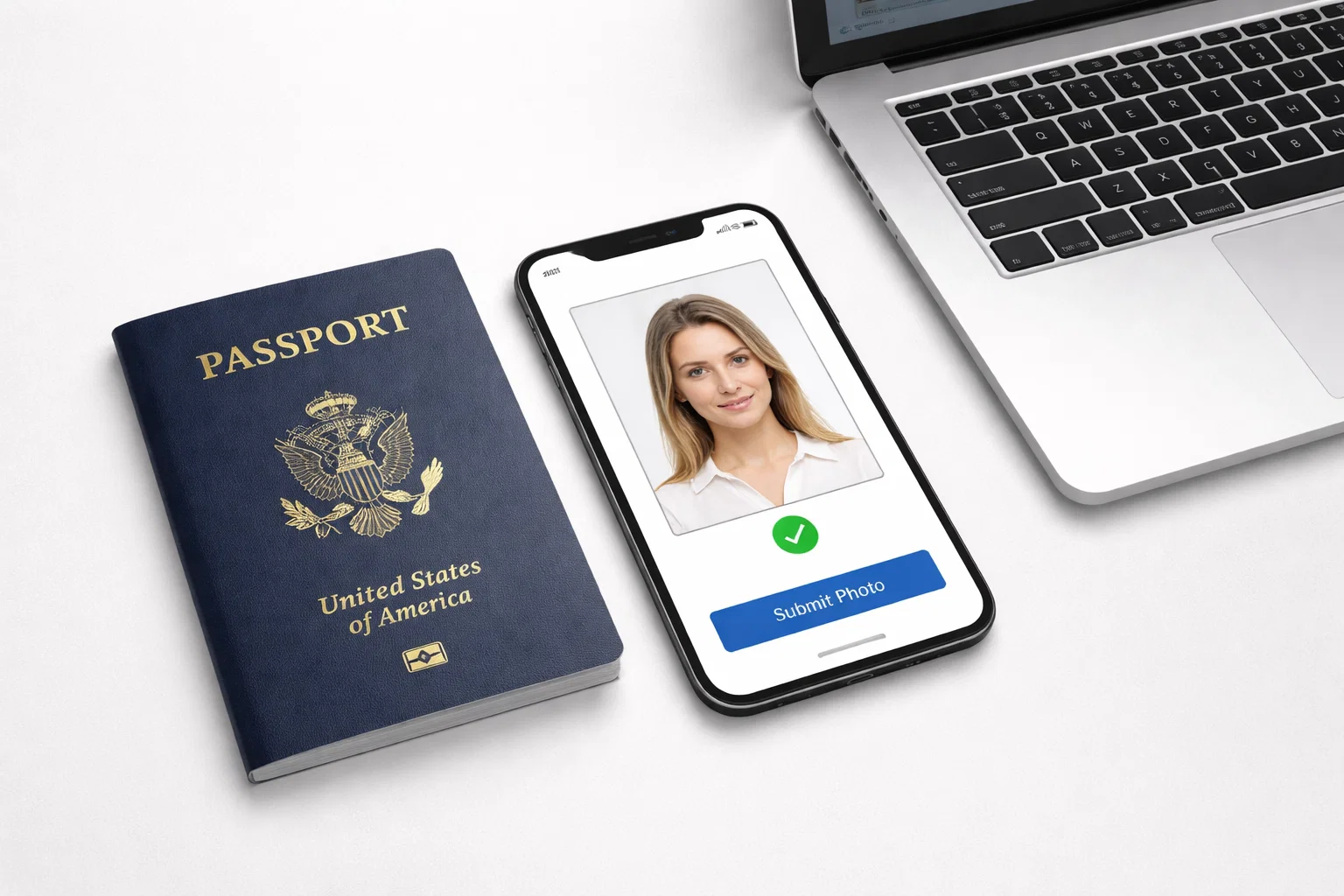
U.S. Department of State officials have begun requiring Americans renewing their passports online to submit a digital photo - no more trips to the photo kiosk or sending physical copies through the mail. The online renewal system has been available to eligible citizens since September 2024, with more than 2 million Americans having taken advantage of it as of May 2025, and submitting a compliant digital photo is among the most significant new elements in the modern passport application process. What does the requirement mean, what does it call for technically, and how can you avoid having your application rejected?
How the Release of the Online Renewal System Changed the Photo Requirement
For years, applying for a U.S. passport renewal had required filling out a form, writing a check, and submitting a physical 2×2 inch photo to the State Department - a paper-driven procedure that dates back well before the 1970s. That changed on September 18, 2024, when the Department of State opened its online renewal portal fully to all qualified U.S. citizens.
The change was substantial. With the new process, applicants complete their entire renewal at opr.travel.state.gov. The only steps required are filling out the application form, paying the $130 fee by credit or debit card, and uploading a digital passport photo - without printing a single page or leaving home. There is no in-person meeting, no envelope, no physical photo. It is not just an option for convenience - it is a compulsory step that must be completed. For the first time at scale, whether an image taken with a smartphone or a home camera meets the quality and technical requirements determines if a passport application moves forward - or gets held up.
The State Department estimates that as many as 5 million Americans can benefit from this service every year, a figure supported by the demand the portal has seen. One year after its release, the department had issued 9.6 million passports. Online renewal is part of the long-term plan, and the proportion of online photo submissions - and the potential for rejections over non-compliant images - is high.
Digital Passport Photo Specifications
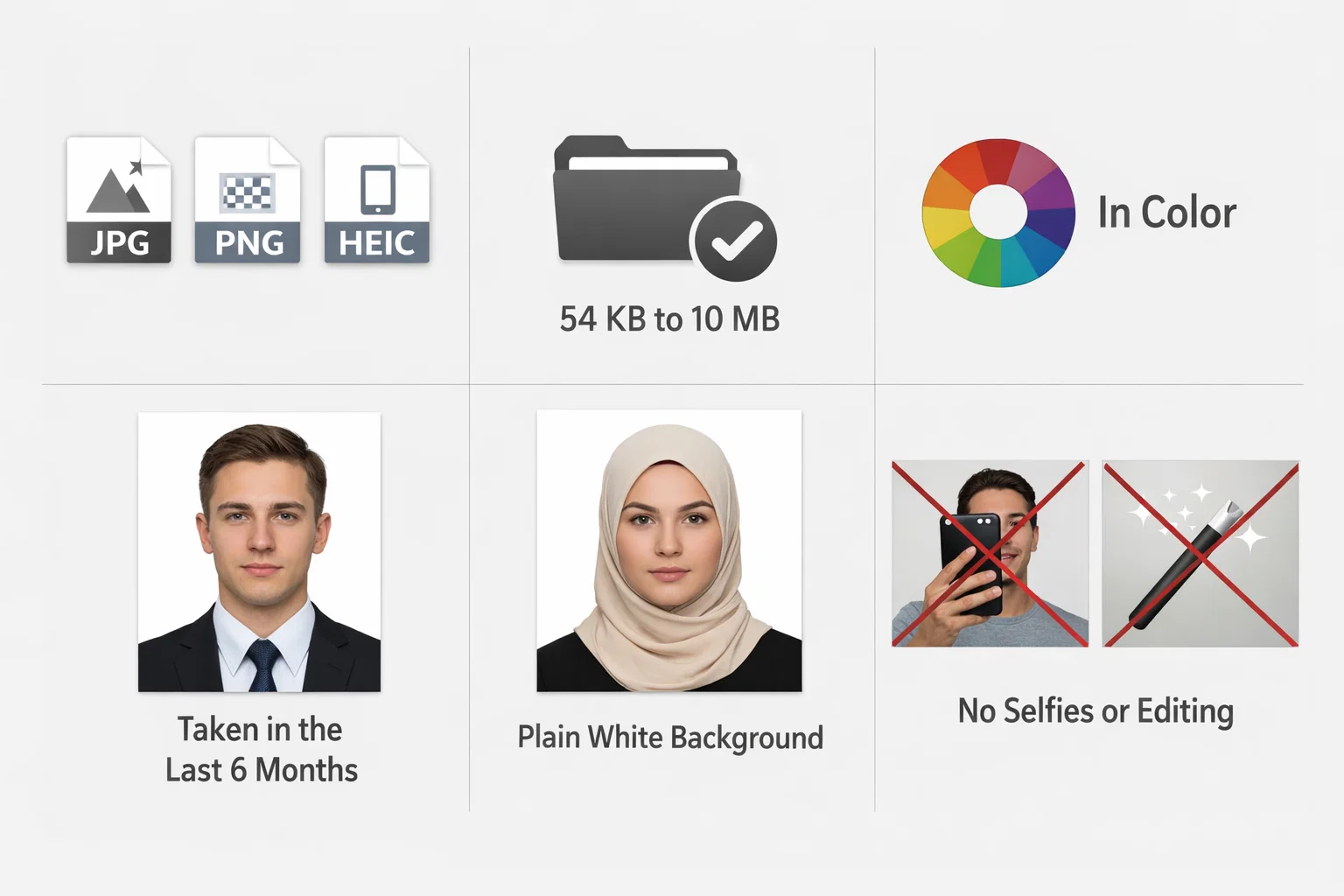
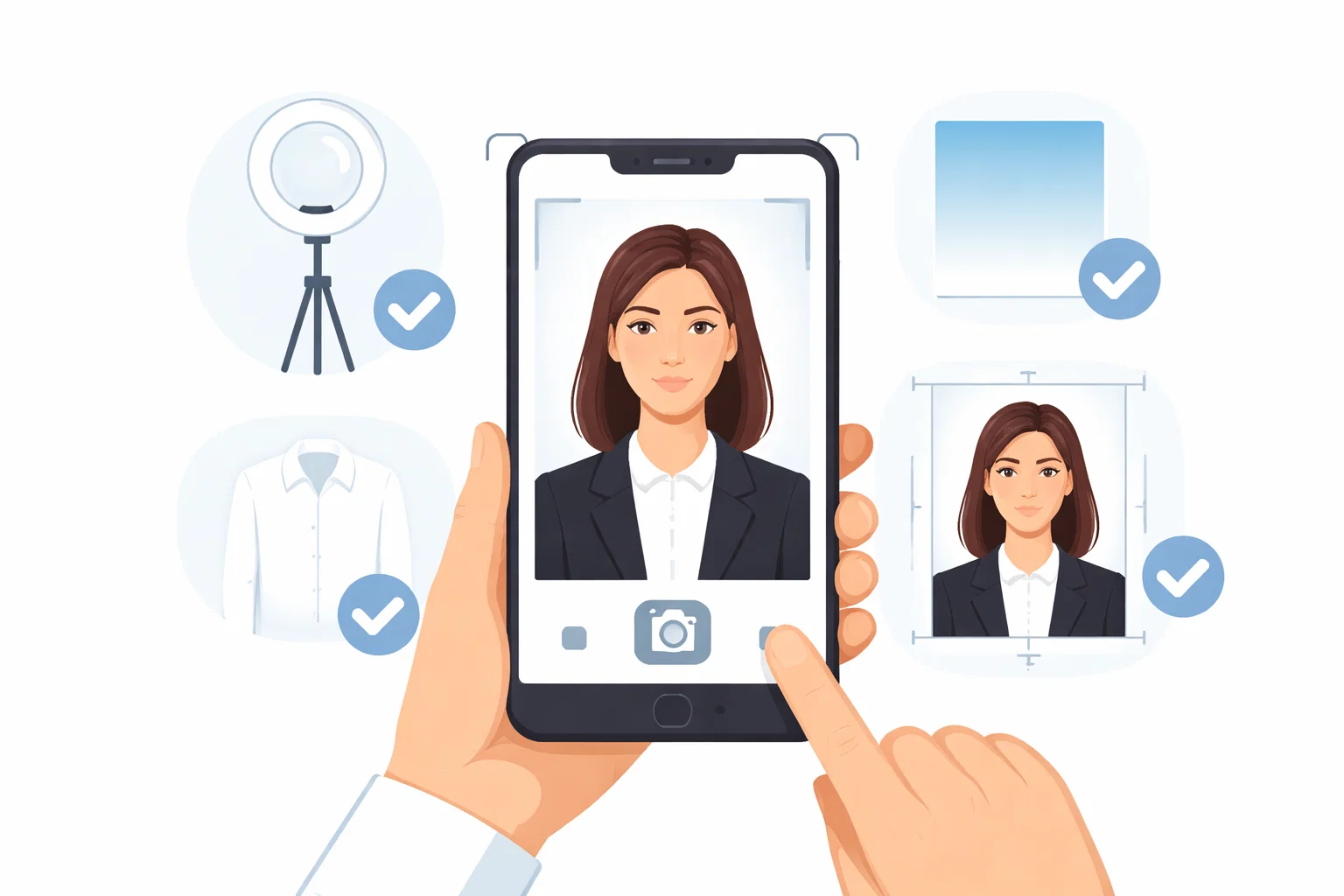
Before snapping or uploading a photo, applicants should make sure it follows all the requirements laid out by the State Department. A photo that looks fine to the human eye may still result in a rejection if it doesn't meet requirements regarding file format, size, and background. The requirements are:
- File format: JPG, PNG, HEIC, or HEIF (photos captured on a phone generally save in one of these formats by default)
- File size: 54 kilobytes minimum, 10 megabytes maximum
- Color: Must be in color - no black-and-white photos
- Recency: Taken within the past 6 months
- Background: Plain white or off-white with no patterns, shadows, or objects
- Framing: The bottom of the frame should align with your shoulders; stand a few feet away from the background
- Expression: Neutral expression, both eyes open, mouth closed
- Selfies: Not accepted - the photo must be taken by another person
- Glasses and hats: Not permitted, except for religious or medical head coverings
- Modifications: No filters, retouching, color correction, or digital enhancement of any kind
- Scanned photos: Not accepted - the photo must be an original digital image
What the Government's Photo Tool Does - and Doesn't - Do
The State Department offers an official photo tool on Travel.State.Gov to help applicants prepare their image for upload. Its purpose is limited: it crops and resizes a photograph to meet the portal's dimension specifications. That's all it does.
The tool does not validate whether:
- The background is actually white
- Lighting is uniform
- The applicant's expression is neutral
- The file is free of technical properties or metadata incompatible with the portal's system
It does not provide a compliance verdict, and it does not guarantee that a submitted photograph will be accepted.
Every photo is reviewed by a passport adjudicator at the State Department, who has final say after submission. If the photo is determined to be non-compliant, the application is returned to the applicant, who must resubmit with a different photo. That delay can stretch for weeks due to backlogs, on top of a standard processing time of six to eight weeks.
Applicants who want to reduce that risk should confirm their photo adheres to all of the requirements listed above before uploading - not after.
Who Can Use the Online System
You are eligible to renew online if you:
- Are a U.S. citizen age 25 or older
- Hold a 10-year (adult) passport that expires within the next year, or that has expired within the past five years
- Are living in a U.S. state, territory, or possession at the time of application
- Have your passport in hand - it cannot be reported lost or stolen, or be damaged beyond use
- Are not changing any personal information, including your name or sex marker
- Do not need expedited processing
- Are not traveling internationally within the next six weeks
- Can pay the renewal fee online by credit or debit card
Applicants who are applying for the first time, children under 16, those living abroad, and anyone who needs expedited service must submit a paper application or apply in person at a passport acceptance facility. The online system is currently limited to routine adult renewals, but is expected to expand in the future.
How to Take a Digital Passport Photo That Passes
Taking your own compliant photo at home is straightforward, provided you have the right conditions. The State Department advises that the photo be taken by someone else - not a selfie - in front of a plain white or off-white wall or background. Natural light from a window is recommended for even, consistent lighting. Artificial light from overhead or from one side can produce shadows on the face or background, which are among the most common reasons images are rejected.
The photo must be a genuine digital original. You cannot scan a previously printed passport photo, and the State Department strictly prohibits any image that has been manipulated using computer software, phone filters, or any other digital tool. If there is red-eye in a photo, do not retouch it - improve the lighting and take a new picture.
Once you have taken your photo, review it carefully against all technical requirements before uploading. The government's cropping tool handles sizing, but verifying compliance is the applicant's responsibility.
As online renewal has expanded to millions of Americans, demand has grown for tools that help applicants meet the portal's technical specifications. Services such as PhotoGov offer an online passport photo tool designed to produce files formatted for digital government submission, providing an alternative for applicants who want additional assurance before uploading.
Regardless of how the photo is prepared, the same State Department rules apply: no editing, no filters, no digital alterations of any kind.
Official Resources
Applicants should use only the State Department's official portal for online passport renewal. Third-party websites that claim to process renewal applications - including those with "Gov" in their name - are not authorized and may be fraudulent.
- Renew Your Passport Online: travel.state.gov/content/travel/en/passports/have-passport/renew-online.html
Digital Photo Upload Requirements: travel.state.gov/content/travel/en/passports/how-apply/online-renewal-photo.html
Trending Today on MacHash









MacHash is your real-time Apple news aggregator, delivering the latest headlines on Apple, Mac, iPhone, iPad, and iOS from top sources across the web.
As a powerful content discovery platform, MacHash continuously curates breaking news, product announcements, software updates, reviews, and industry insights related to Apple Inc. and its ecosystem.
MacHash helps you stay informed on everything from macOS and iOS developments to Apple Watch, AirPods, and the latest in tech and app innovation.
Access MacHash from your desktop or mobile device to explore, follow, and share the most trusted Apple news all in one place.