-
Nov 20, 2026, 11:31 am31 pts Special Content
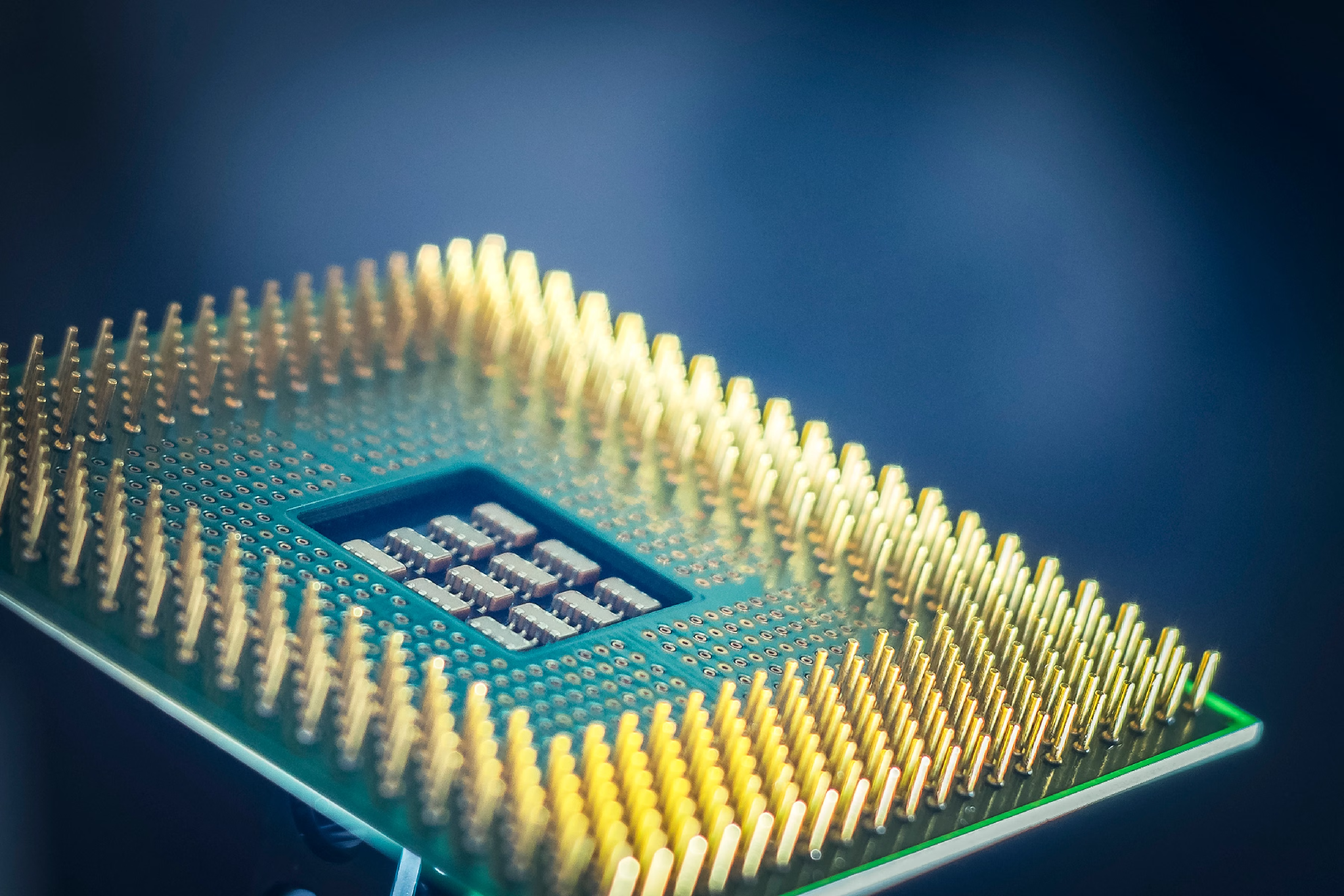
You don't always need an internet connection to use AI anymore. Some newer phones and computers can run AI models directly on their own hardware. That means you can ask a device to summarize a notification or help rewrite a paragraph without sending the request to a remote server.
This is known as edge AI. Instead of relying on cloud computing for every task, the device does the processing itself. Apple is one example of a company bringing this approach into products people already use.
Keeping Data Local Doesn't Mean It's Automatically Safe
One advantage of on-device AI is that your request doesn't have to be uploaded to a cloud server. If you're working with private journal entries or unfinished documents, that's useful. The information can stay on your computer instead of being sent elsewhere for local processing.
But there's another side to this. The model still needs access to information stored on the device, and those files can be targeted by malware. A malicious app doesn't care whether a document was opened by you or used by an AI feature. It may be interested in the same notes, saved files, and other personal information. Mac-focused security sites, including the website Moonlock, regularly cover malware and other threats targeting Apple devices. Running AI locally doesn't remove those risks.
Mac users should still keep macOS updated and pay attention to which apps have access to their files. The system asks for permission when an app tries to access locations such as Documents, Desktop, and Downloads. It's worth checking those requests instead of approving them automatically.
AI That Runs Directly on Your Device
Apple's on-device model for Apple Intelligence has around 3 billion parameters and is designed to run on Apple silicon. Fitting a model like this onto a phone or computer takes some work. Apple uses a technique called 2-bit quantization, which reduces the amount of memory needed to store the model's weights.
It's much smaller than the models used in large data centers, but it can still handle everyday requests. Think of summarizing notifications, rewriting a sentence, or finding the main points in a long note.
The model is trained in data centers, but the finished version runs locally once it's installed on your device. Apple has also made it available to app developers through its Foundation Models framework in iOS 26 and macOS 26. Developers can add it to an app using Swift, without paying a fee for each request. That makes it more practical to add AI features without having to run and maintain a separate server.
Apps can also give the model information from their own data. For example, it could use information stored in a local database to answer a question. Day One uses the framework for journaling features, while AllTrails uses it to help suggest hiking routes.
Why Processing Speed Makes a Difference
Cloud-based AI depends on an internet connection. Your request has to travel to a server, get processed, and return to your device. Low latency or a busy server can add noticeable delays.
Edge AI removes the wait for a response from a remote server. Because the model runs directly on the device, it can handle a request straight away. That makes a difference for features people use throughout the day. Waiting a few extra seconds might not seem like much, but it gets annoying when it happens every time you ask for a notification summary or a quick bit of help. Apple's research report also discusses ways to make this process faster, including a technique called KV-cache sharing.
In some situations, a quick response is more than a convenience. A car system that detects driver distraction needs to process what is happening in real time. The same goes for a smart light that switches on when someone makes a particular hand gesture. Neither device needs to send information to a remote server just to respond.
What these devices can do depends largely on their hardware. Working with audio and video takes more processing power, so those devices generally need stronger chips with dedicated AI support. A device that only reads basic sensor data can get by with a much smaller, low-power microcontroller.
Another advantage is that edge AI can keep working without an internet connection. Imagine using a quiz app on a flight: it could take notes already saved on your device and turn them into practice questions. There's no need to connect to a server because the app has everything it needs locally.
The Limits of On-Device AI
Running AI locally has its advantages, but smaller models can't do everything that larger cloud-based models can. Reducing a model's size makes it easier to run on a phone or computer, but it can also affect the quality of its responses.
Apple's research compares its on-device model with other models of a similar size, rather than with the largest AI systems available. In image-understanding tests, it was preferred on roughly half of the prompts compared with two similar-sized vision-language models. That's a useful result, but it doesn't mean the model performs as well as much larger systems across every task.
There's also the question of battery life and memory. Running a model locally uses the device's resources, so Apple has had to keep it relatively small. More demanding requests can be handled by a larger model through Private Cloud Compute. In other words, not every Apple Intelligence feature runs entirely on the device.
Apple explains the research behind these models, including their performance and limitations, in its 2025 Foundation Models Tech Report.
Compatibility is another limitation. The Foundation Models framework requires an Apple Intelligence-compatible device with Apple Intelligence enabled. Owners of older hardware won't be able to use these features.
Edge AI won't replace cloud computing completely. But it gives phones, computers, and other connected devices another way to handle everyday AI tasks, often without needing to send personal information or wait for an online response.
Trending Today on MacHash








MacHash is your real-time Apple news aggregator, delivering the latest headlines on Apple, Mac, iPhone, iPad, and iOS from top sources across the web.
As a powerful content discovery platform, MacHash continuously curates breaking news, product announcements, software updates, reviews, and industry insights related to Apple Inc. and its ecosystem.
MacHash helps you stay informed on everything from macOS and iOS developments to Apple Watch, AirPods, and the latest in tech and app innovation.
Access MacHash from your desktop or mobile device to explore, follow, and share the most trusted Apple news all in one place.